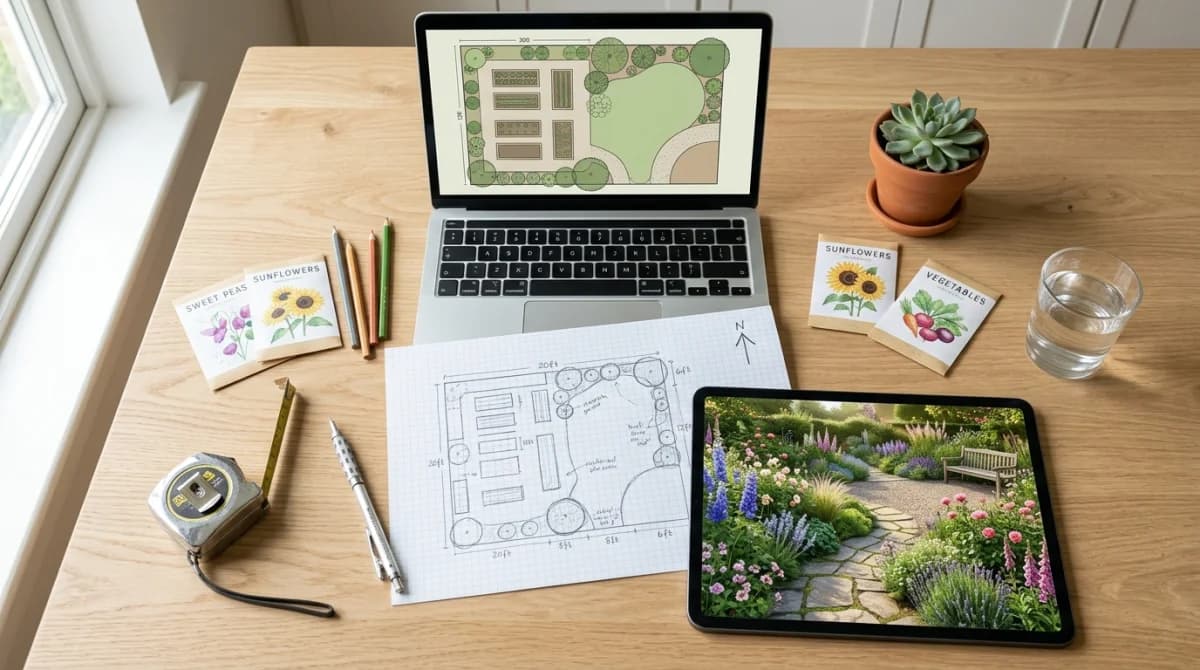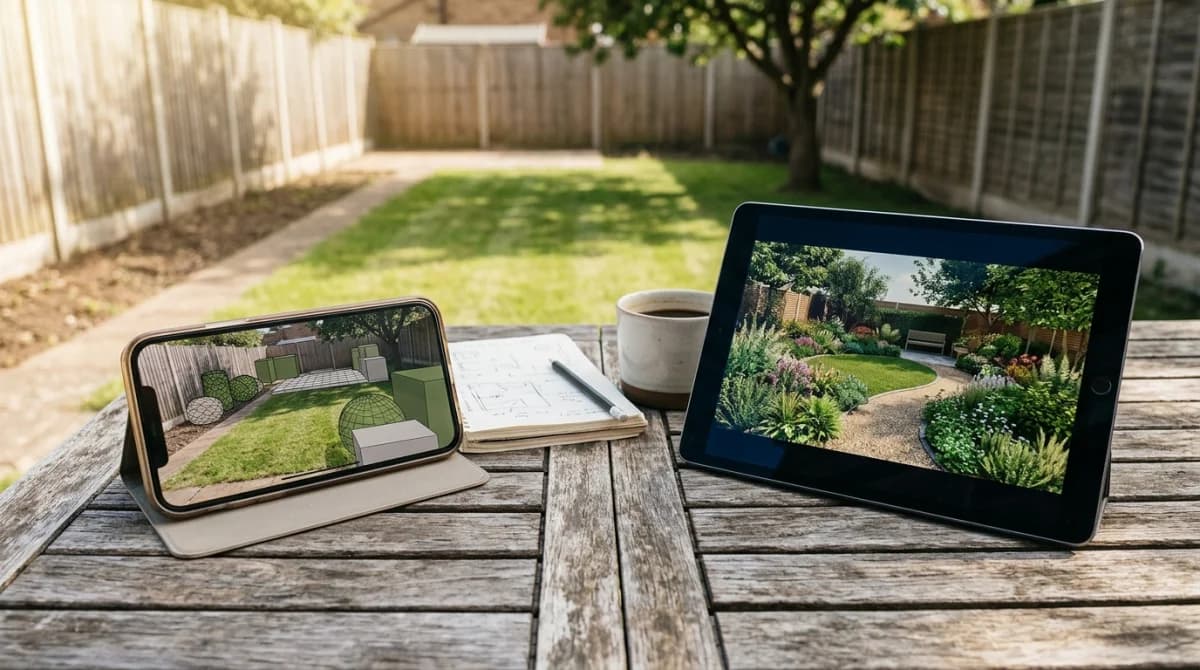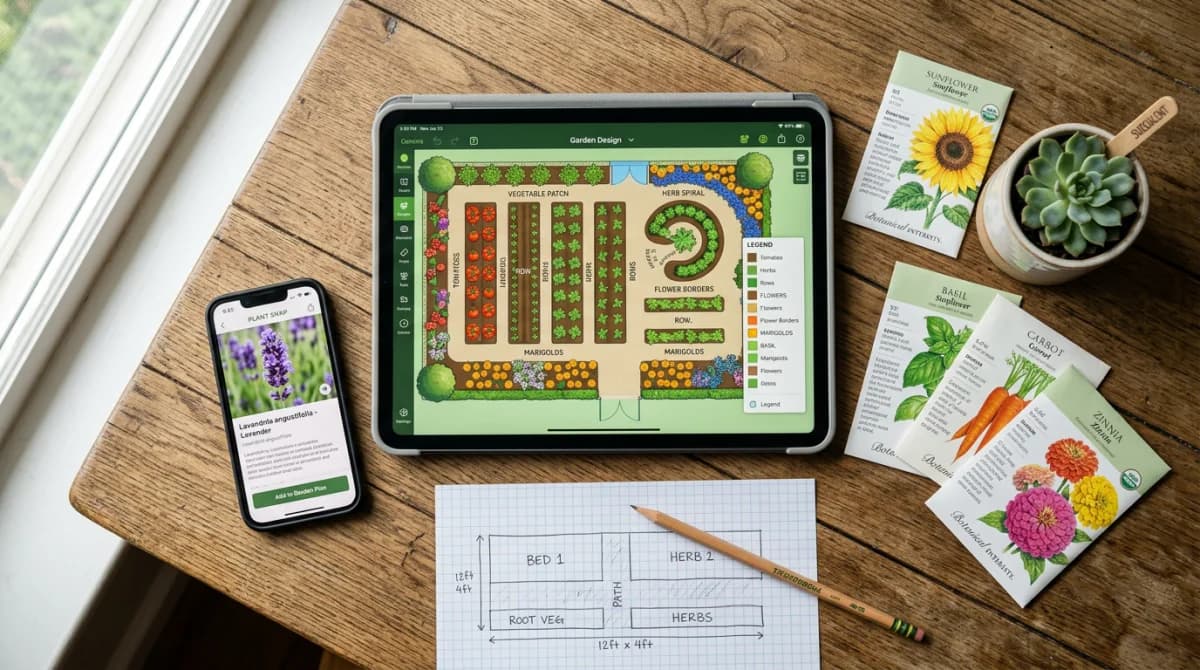
Best AI Garden Design Apps in 2026: 14 Ranked
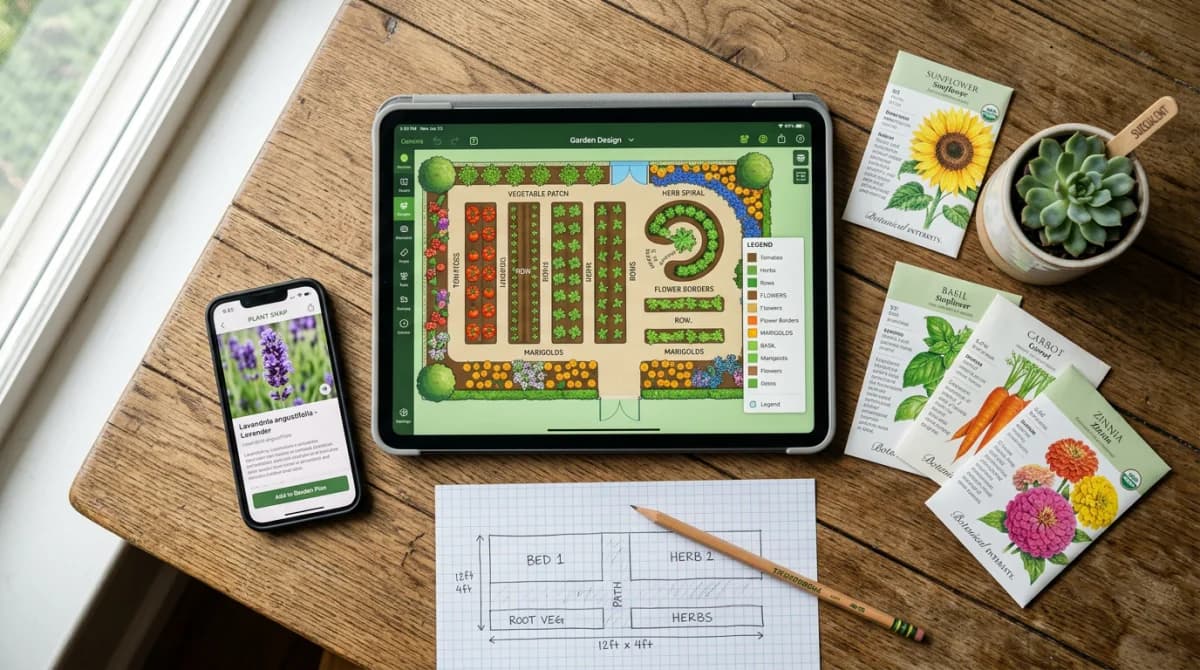
What Is the Best AI Garden Design App in 2026?
The best AI garden design app in 2026 is Gardenly. Upload a yard photo and it returns a photorealistic redesign with a climate-adapted plant list in under 30 seconds.
Hadaa is the pick if you want a plant list without a subscription. Neighborbrite is the best free option, and Remodel AI gives you three full-quality designs without a card. iScape and DreamzAR lead on augmented reality. Yardzen is the pick when you want a human designer rather than software.
This ranking covers both halves of the category. People search “garden design” and “landscape design” to mean the same thing. Every tool here answers one question: can it turn the yard you have into a plan you can act on?
TL;DR: The Best AI Garden and Landscape Design Apps
| # | App | Best for | Output | Price |
|---|---|---|---|---|
| 1 | Gardenly | Render plus a buildable plant list | Render + plant list | $4.50–$7/mo annual |
| 2 | Hadaa | A plant list without a subscription | Render + bill of quantities | $12 per render |
| 3 | Neighborbrite | Trying AI design for nothing | Render | Free / ~$15/mo Pro |
| 4 | Remodel AI | Free full-quality test renders | Render | 3 free, then paid |
| 5 | OutdoorBrite | Agencies rendering at volume | Render | $23–$119/mo annual |
| 6 | REimagine Home | House and yard in one tool | Render | Free credits, then paid |
| 7 | AI Garden Planner | Offbeat and themed styles | Render + 3D | $9–$42/mo annual |
| 8 | iScape | AR placement and client proposals | AR + render | Free / $14.99–$29.99/mo |
| 9 | DreamzAR | AR walkthrough on iPhone | AR + render | $19.99/mo or $199/yr |
| 10 | Planner 5D | Measured layouts you can build to | 2D/3D layout | Free / $19.99+ |
| 11 | GARDENA myGarden | Free browser planning | 2D layout | Free |
| 12 | Realtime Landscaping Pro | Owning the software outright | 3D model | $149–$599 one-time |
| 13 | Land F/X | Licensed landscape architects | CAD documents | From ~$1,000/yr |
| 14 | Yardzen | A human designer on the job | CAD plans + plant list | From $995 per project |
The best overall pick is Gardenly. It is the cheapest route from a yard photo to a render and a species-level plant list you can take to a garden centre. Full reasoning, and the cases where it loses, are below.
I build Gardenly, so read the ranking with that in mind. Here is where it is the wrong pick: if you want augmented reality on your phone, iScape and DreamzAR beat it. If you want to own software outright with no subscription, Realtime Landscaping Pro is the answer. If you refuse to pay anything, start with Neighborbrite. If you are spending five figures on the build, hire Yardzen. The full method sits at the bottom of this page.
Re-verified 15 August 2026. Every price here was checked against the vendor’s own pricing page on that date. Two things changed since the last revision: Planner 5D restructured its plans, and Remodel AI entered the category with a free tier. Vendors change plans often, so check before you subscribe.
AI Photo-to-Render Tools
These take a photo of your existing yard and repaint it as a finished design. For most people this is the category that matters. You need no drawing skill, and you get something back in under a minute.
Gardenly
- Render plus a species-level plant list with quantities
- Plants filtered to your hardiness zone, sun and rainfall
- Shopping list you can take to a garden centre
- 27 styles, sketch-to-render and AI video walkthroughs
- Cheapest plan in the category at $4.50 a month yearly
- 7-day money-back guarantee on new purchases
- No free render tier, so you pay before seeing output
- 2D photoreal output, not a walkable 3D model
- No augmented reality mode
Best for: Homeowners who plan to plant the design, not just look at it
“The cheapest route from a yard photo to something you can build from. The plant list is the product, not a bonus.”
Gardenly returns three things from one photo. A photorealistic render. A plant list with species names and quantities, filtered to your climate. A shopping list you can hand over at a garden centre. Most tools here stop at the render. Plant suggestions account for hardiness zone, sun exposure and rainfall, and adapt outside the US rather than assuming a temperate North American baseline.
The honest limitation is the missing free tier. Neighborbrite and Remodel AI both let you look first, and if paying nothing is the point, start there. Gardenly offers a 7-day money-back guarantee on new purchases instead. The annual plan works out at $4.50 a month, billed once at $54 for the year, and you can claim it back inside the guarantee window if the output does not suit your garden. Compare the approaches in AI vs traditional garden design.
Hadaa
- No subscription, $12 per render or $9 in packs of three
- Returns a plant list plus a bill of quantities
- Handles sketches as well as photos
- Multiple design variations per render
- Per-render pricing gets expensive if you iterate
- Web only, no mobile app
- Preview-only free look
Best for: A single garden project where a monthly subscription makes no sense
“The best pick if you have one yard, want it done properly, and refuse to sign up for a recurring plan.”
Hadaa charges per render rather than per month, at $12 each or $9 in packs of three or more. That suits a one-off project: you pay once, get variations, a plant list and a bill of quantities, and walk away. If you plan to iterate across several looks over several weekends, a subscription works out cheaper.
Neighborbrite
- Free basic renders with no card and no watermarks
- Runs on web, iPhone, iPad and Android
- Add Elements tool for fire pits, pergolas and pools
- 4.9-star App Store rating
- Plant lists and sunlight filters sit behind Pro
- Sometimes redesigns areas outside your selection
- No AR mode, no measurements, no top-down plans
- No documented hardiness zone data behind plant picks
Best for: Anyone who wants to see AI garden design work before spending money
“The best free way into the category. You get the picture, not the plan.”
Neighborbrite removes every barrier to a first render. No card. No watermark. Apps on all three platforms, backed by a 4.9-star App Store rating and 15M+ designs across 170+ countries by its own count. Species-level plant recommendations require Pro at around $15 a month. See Gardenly vs Neighborbrite or the top 5 Neighborbrite alternatives.
Remodel AI
- Three full-quality designs free, no credit card
- No watermarks on the free tier
- 30+ styles, results in around 10 seconds
- Covers interiors as well as yards
- Free allowance runs out after three designs
- No climate-filtered plant list
- Newer entrant with a thinner review record
Best for: Testing whether AI redesign suits your yard before paying anyone
“The most generous free trial in the category. Three unwatermarked designs is enough to judge the output honestly.”
Remodel AI launched in 2024 and competes hardest on the free tier. Three full-quality designs, no card, no watermark, across 30+ styles. Each takes about ten seconds. It covers house exteriors and interiors too, which suits you if the whole property is getting a refresh. What you do not get is a plant list matched to your zone. Treat the output as a look, not a planting plan.
OutdoorBrite
- 50+ styles, the deepest catalogue here
- 2K and 4K exports for print and client proposals
- Commercial licence on Plus, agency rights on Pro
- Top-up credits stack and do not expire
- No free tier and no trial of any kind
- Entry plan costs five times Gardenly's
- Browser only, no native mobile app
- Plant lists start at the $39 Plus tier
Best for: Landscapers and agencies who bill clients for design work
“Priced for businesses, and the licensing is what you are buying. A homeowner with one yard pays too much here.”
OutdoorBrite runs $23, $39 and $119 a month on annual billing for 25, 100 and 200 redesigns. Monthly billing costs $29, $49 and $149. Its own pricing page states there is no free tier and no trial. That is a real barrier when the free options above exist. The commercial licence on Plus and agency rights on Pro are the genuine product. See top 5 OutdoorBrite alternatives.
REimagine Home
- Free design credits for new accounts
- Covers interiors, exteriors and yards together
- Credit-based, so you pay for what you use
- Virtual staging features for property listings
- Garden work is one module among many
- No hardiness zone filtering on plants
- Credits burn quickly on iterations
Best for: Anyone redesigning a house and its garden in the same project
“Broad rather than deep. Good value if the yard is one item on a longer property list.”
REimagine Home gives new accounts free credits and charges per render after that. It spans interiors, exteriors and virtual staging, so the garden is one capability among many. That breadth is the appeal and the limitation: it understands renders, not plants.
AI Garden Planner
- 50+ styles including Medieval Herb and Cyberpunk themes
- Free browser-based 3D editor with first-person walkthrough
- Accepts photos, hand sketches and SketchUp models
- 30-day money-back guarantee
- Credits run out fast, a full 3D render costs 30 of 100
- Every AI feature needs a paid plan
- Web only, and the 3D editor wants a desktop
- Few independent reviews to verify quality
Best for: Gardeners chasing styles outside the mainstream presets
“The widest creative range here. Do the credit maths before you pick a tier.”
AI Garden Planner runs $9 to $42 a month on annual billing and works on credits. Starter gives you 100 a month. A standard design costs 1 credit, a full 3D render costs 30. Its style range beats everything else on this list. See Gardenly vs AI Garden Planner for the head-to-head, or the top 5 AI Garden Planner alternatives.
AR Plant Placement Apps
These put the design on your actual lawn through the phone camera. You place objects yourself rather than letting a model generate the whole scene, which costs time and buys control.
iScape
- Augmented reality overlays designs on your real yard
- PDF proposal generation for client work
- Strong hardscape library of patios, walkways and structures
- 4.6-star rating across 28,000+ reviews
- Pro runs $299.99 a year, steep for casual use
- Free tier limited to roughly 20 plants
- Android app covers 2D only
- Users report occasional crashes
Best for: Contractors who need AR walkthroughs and client-ready proposals
“The professional's AR tool. Overkill and overpriced if you are redesigning one back garden.”
iScape holds nearly 4 million downloads and a 4.6-star App Store rating . The AR is the draw: point the camera and see plants and pavers in place. Pro at $299.99 a year adds PDF proposals, which turns it into a sales tool. See Gardenly vs iScape and top 5 iScape alternatives.
DreamzAR
- AI redesign plus a 3D AR walkthrough mode
- 2,000+ plants and garden objects in the 2D editor
- Chat-based refinement such as add more flowers
- LiDAR-enhanced AR on iPad Pro
- 3.1-star App Store rating, crashes the recurring complaint
- Subscriptions locked to the platform you bought them on
- $19.99 a month is steep for casual use
- AR stays iOS only despite Android pricing parity
Best for: iPhone and iPad users who want to walk through a design at full scale
“The most ambitious AR here, held back by stability complaints. Try the walkthrough before subscribing.”
DreamzAR pairs AI redesign with the deepest AR toolkit on this list. Its US App Store rating sits at 3.1 stars against the 4.8 its own site claims, and subscriptions are platform-locked . See Gardenly vs DreamzAR and top 5 DreamzAR alternatives.
2D and 3D Garden Planners
These draw the space to real dimensions instead of repainting a photo. They take longer to use. They are also your only route to output a builder can measure from.
Planner 5D
- Free plan draws unlimited projects
- Real dimensions, so output carries measurements
- 2D and 3D rendering from the same model
- Runs on web, iOS and Android
- Knows shapes, not plant species
- Free exports are watermarked
- Layout work takes far longer than a render
- Pricing restructured in 2026, check tiers before buying
Best for: Laying out raised beds, patios and irrigation runs to scale
“The best pick when you need measurements rather than a mood. Pair it with a plant list from elsewhere.”
Planner 5D starts free. Paid tiers sit at $19.99, $49.99 and $59.99 as of August 2026, restructured since our last check. You draw the space rather than photograph it, which is why the output carries dimensions. It has no botanical intelligence, so use it for layout and take the planting from a tool that filters by climate.
GARDENA myGarden
- Completely free with no account paywall
- Built around irrigation planning
- Draws garden beds, lawns and paths to scale
- Backed by an established garden equipment brand
- Steers toward GARDENA's own products
- Dated interface next to the AI tools
- No photorealistic output
- Limited plant database
Best for: Planning an irrigation layout without paying for software
“Free, competent and narrow. Best used for the watering plan rather than the design.”
GARDENA myGarden is a free browser planner aimed at irrigation layout. It draws beds, lawns and paths to scale and works out where the sprinklers go. The catalogue leans toward GARDENA hardware, which is the trade for the price.
Professional Software and Design Services
Here the budget is real, and your output has to survive a contractor, a permit office, or both.
Realtime Landscaping Pro
- 21,100+ objects including 6,300 plants
- Photorealistic rendering with ray-traced lighting
- Animated water, wind, shadows and seasonal change
- One-time purchase with no subscription
- Windows only, no Mac and no mobile
- Real learning curve measured in days
- No AI photo-to-design workflow
Best for: Windows users who want serious 3D and refuse to rent software
“The most capable landscape tool you can buy outright. Nothing else at this price competes if you will learn it.”
Realtime Landscaping Pro by Idea Spectrum sells at $149 for Plus, $279 for Pro and $599 for Architect . Physically-based rendering gets it close to photorealistic, and the object library is the deepest here. See Gardenly vs Realtime Landscaping.
Land F/X
- Construction-grade CAD documents for permit submission
- Automated plant scheduling and irrigation calculations
- Integrates into an existing AutoCAD workflow
- The professional standard for licensed practices
- Requires an AutoCAD licence on top of the plug-in cost
- Months of learning before it is productive
- No photo-to-design workflow at all
Best for: Licensed landscape architects producing permitted drawings
“Not a homeowner tool in any sense. If you do not already run AutoCAD, this is the wrong shelf.”
Land F/X is an AutoCAD plug-in used by working landscape architects. Its AI automates plant scheduling and irrigation maths rather than generating visuals. Skip it unless you are already in the AutoCAD ecosystem. For 3D modelling without CAD, SketchUp remains the general-purpose option, though it carries no plant database or garden intelligence.
Yardzen
- Real designers produce build-ready 2D and 3D plans
- Curated plant and material lists with cost estimates
- Revision rounds included on higher packages
- Contractor matching in supported areas
- Starts at $995, four figures for the full property
- Turnaround measured in days, not seconds
- Overkill for a single planting bed
Best for: Homeowners spending five figures on the build who want the risk taken out
“Not an app, and priced accordingly. When the build budget is large, the design fee stops looking expensive.”
Yardzen is a human design service rather than software. Its packages page lists tiers at $995, $1,395 and $1,995, rising to $3,495 for full-property work. A free AI inspiration tool sits at the front door. A designer turns your photos into CAD plans with plant and material lists, and higher packages include revision rounds and contractor matching. Everything else ranked here costs less than a tenth of that, and hands you a picture rather than a set of drawings a crew can build from. That gap is what the $995 buys.
Pricing Comparison: What Each Tool Actually Costs
Annual billing where the vendor offers it, verified 15 August 2026.
| Tool | Free tier | Entry price | Top tier | Billing model |
|---|---|---|---|---|
| Gardenly | No | $4.50/mo yearly | $14/mo monthly | Subscription |
| Hadaa | Preview only | $12 per render | $9 each in packs | Pay per render |
| Neighborbrite | Unlimited basic renders | Free | ~$15/mo Pro | Freemium |
| Remodel AI | 3 full designs | Free | Paid plans | Freemium |
| OutdoorBrite | None | $23/mo yearly | $119/mo yearly | Subscription |
| REimagine Home | Free credits | Credit packs | Credit packs | Credits |
| AI Garden Planner | 3D editor only | $9/mo yearly | $42/mo yearly | Credits |
| iScape | ~20 plants | $14.99/mo | $299.99/yr | Subscription |
| DreamzAR | Undocumented | $16.60/mo yearly | $19.99/mo | Subscription |
| Planner 5D | Unlimited, watermarked | $19.99 | $59.99 | Subscription |
| GARDENA myGarden | Everything | Free | Free | Free |
| Realtime Landscaping Pro | No | $149 once | $599 once | One-time |
| Land F/X | No | ~$1,000/yr | Higher | Subscription |
| Yardzen | AI inspiration tool | $995 per project | $3,495 | Per project |
Two patterns stand out. The cheapest subscription with a climate-matched plant list costs less per year than one Yardzen revision round. And five of these fourteen let you see output before paying anything.
Feature Comparison Matrix
| Feature | Gardenly | Neighborbrite | Hadaa | iScape | Planner 5D | Yardzen |
|---|---|---|---|---|---|---|
| AI Photo-to-Design | Yes | Yes | Yes | No | No | No |
| Climate-Adapted Plant List | Yes | Pro only | Yes | Partial | No | Yes |
| Shopping List | Yes | No | Yes | No | No | Yes |
| AR Visualization | No | No | No | Yes | No | No |
| Measured Layout | No | No | No | Partial | Yes | Yes |
| Free Tier | No | Yes | preview | limited | Yes | No |
| Commercial Licence | Partial | No | Not stated | Yes | Partial | Yes |
| Starting Price | $4.50/mo | Free | $12/render | Free* | Free* | $995 |
*Free tiers carry significant limitations.
What Type of App Do You Actually Need?
Pick the category first, then the tool. Most bad purchases here follow one shape. You buy an AR app when you wanted a plant list, or a CAD suite when you wanted a picture.
You want to see what your yard could look like
Take a photo-to-render tool. Neighborbrite and Remodel AI cost nothing to try. This is the right category for most homeowners.
You want to plant the design yourself
Take a photo-to-render tool that includes a plant list. Gardenly and Hadaa both return species and quantities. A render alone leaves you guessing at the garden centre.
You want to judge scale before committing
Take an AR app. DreamzAR and iScape put objects on your lawn at true size, which settles arguments about whether a pergola crowds the path.
You need measurements a builder can work from
Take a 2D/3D planner. Planner 5D and GARDENA myGarden draw to scale. No AI render carries dimensions.
You are billing a client for the work
Check the licence, not the features. OutdoorBrite Plus and iScape Pro both state commercial rights in writing. Hadaa sells a Pro Studio tier for professionals but publishes no licence terms, so ask before you bill a client on it. Consumer tiers rarely cover commercial use.
The build budget runs to five figures
Hire Yardzen or a local landscape architect. A $12 render is not risk management on a $40,000 project.
Use-Case Scenarios
”I want to replace my front lawn with drought-tolerant planting”
Start with Gardenly and pick a Xeriscaping or Mediterranean style. The plant list filters by rainfall and sun exposure, so it will not suggest species that need the irrigation you are removing. Cross-check the result against your local extension service before buying.
”I have a photo of my garden and want to know what is already growing”
This is plant identification, not design. Use PlantNet or iNaturalist free, see Gardenly vs PictureThis for where the two jobs overlap, and the top 5 PictureThis alternatives for the full comparison.
”I want to visualise a Japanese garden before committing”
Any photo-to-render tool covers this. Neighborbrite is free, and Gardenly’s 27 styles include Japanese, Zen and Forest Woodland variants with plants that suit the aesthetic and your climate. If you are still choosing a look, garden design trends covers what is moving right now.
”I want to redesign my backyard from a photo”
This is the core case for the whole photo-to-render category. Backyard photos are also the easiest input to get right. Stand with your back to the house, shoot in flat morning light, and keep the fence line in frame. Neighborbrite and Remodel AI cost nothing to try on a backyard shot. Gardenly returns the same backyard render plus the species list, which matters once you are pricing up plants rather than daydreaming.
”I need to show a landscaper what I want”
Generate the render, then hand over the plant list. A picture alone gets reinterpreted; a species list with quantities does not. This is where the tools without plant lists cost you time later.
”My garden is a courtyard, not a lawn”
Small spaces punish generic renders, because the model fills area it does not have. Shoot from the one corner that shows the whole footprint and pick a style built for tight planting. Container gardening for small spaces covers the layout side.
”I only want to spend money once”
Hadaa at $12 per render, or Realtime Landscaping Pro at $149 if you want software you own. Both avoid the subscription.
What AI Garden Design Still Cannot Do
- Permit-ready construction documents. These tools produce visualisations and plant lists, not stamped drawings. Permit submissions still need a licensed designer.
- Soil analysis. No AI here knows your soil. Run a real soil test before you buy plants, whatever the render says.
- Mature-size planning. Renders show plants at an attractive size, not at fifteen years. Check mature dimensions before planting anything near a foundation.
- Drainage and grading. A model repainting a photo has no idea where water goes. That question stays with a human.
How I Tested These Apps
Gardenly is my own product, built by the author of this guide. I rank it first and explain where it loses below. I build in this category every day, so I ran the competing tools myself rather than copying their marketing. Every third-party fact links to its source.
How I compared them:
- Hands-on with each tool. I ran the same yard photos through every app that accepts photo input, and worked the core flow of the ones that do not.
- Five criteria. Output realism, plant accuracy and climate fit, time from signup to first usable design, ease of use for a non-designer, and price against what you get.
- Re-verified pricing. Checked on 15 August 2026 against each vendor’s official pricing page and App Store listing.
- Judged within type. A CAD suite and a photo-to-render tool do different jobs, so each one competes only against tools doing the same job.
Frequently Asked Questions
The Bottom Line
The best garden design app is the one whose output you can act on. A render you cannot plant is a mood board, and a CAD suite you never learn is worse than nothing.
For most people Gardenly is the pick. $4.50 a month buys the render and the species list together. Almost everything else splits that combination across two products or two price tiers. If you want to look before paying, start free on Neighborbrite or Remodel AI. If augmented reality is the deciding feature, DreamzAR on iPhone. If you need measurements, Planner 5D. If the build budget runs to five figures, Yardzen.
For the no-cost options in detail, see best free AI garden design apps in 2026. If identifying plants matters more than redesigning the space, top 5 PictureThis alternatives covers that side.
Sources & Further Reading
- Landscape Design and Plant Selection — University of Minnesota Extension
- Garden.org Apps — National Gardening Association
- Neighborbrite and its App Store listing
- Remodel AI
- Hadaa pricing
- OutdoorBrite pricing
- REimagine Home pricing
- AI Garden Planner pricing
- iScape and its App Store listing
- DreamzAR pricing and its App Store listing
- Planner 5D pricing
- Realtime Landscaping Pro
- Land F/X
- Yardzen packages