Gardenly vs iScape: AI Garden Design vs AR Landscape Design (2026)
Gardenly and iScape are both landscape visualization tools, but they come from different eras of garden software. iScape is a well-known mobile landscape design and AR app, especially useful for previewing objects and layouts on a phone. Gardenly is newer and AI-first: upload a photo, choose a style, and get a full photorealistic redesign with a plant list.
Comparing more than these two? We rank the full field in Top 5 iScape alternatives.
Quick Answer
Gardenly is better for homeowners who want an AI-generated garden redesign from a real photo with climate-adapted plant recommendations, shopping guidance, and a fast three-step workflow. iScape is better when you need iOS-based augmented reality previews, manual placement control, or mobile client presentation workflows.
At a Glance
| Feature | Gardenly | iScape |
|---|---|---|
| Main workflow | AI photo-to-design | Manual mobile design + AR preview |
| Photorealistic AI redesign | ✅ | Partial / design-preview focused |
| AR preview | ❌ | ✅ |
| Climate-adapted plant list with species | ✅ | Not core workflow |
| Shopping list | ✅ | Not core workflow |
| Sketch-to-render conversion | ✅ | ❌ |
| AI video generation | ✅ | ❌ |
| Platform | Web, plus an iOS app | iOS / mobile-first |
| Free option | None — paid tool | Free tier / paid Pro |
| Best for | Homeowners wanting a complete AI design | Pros needing AR previews |
What Each Tool Actually Does
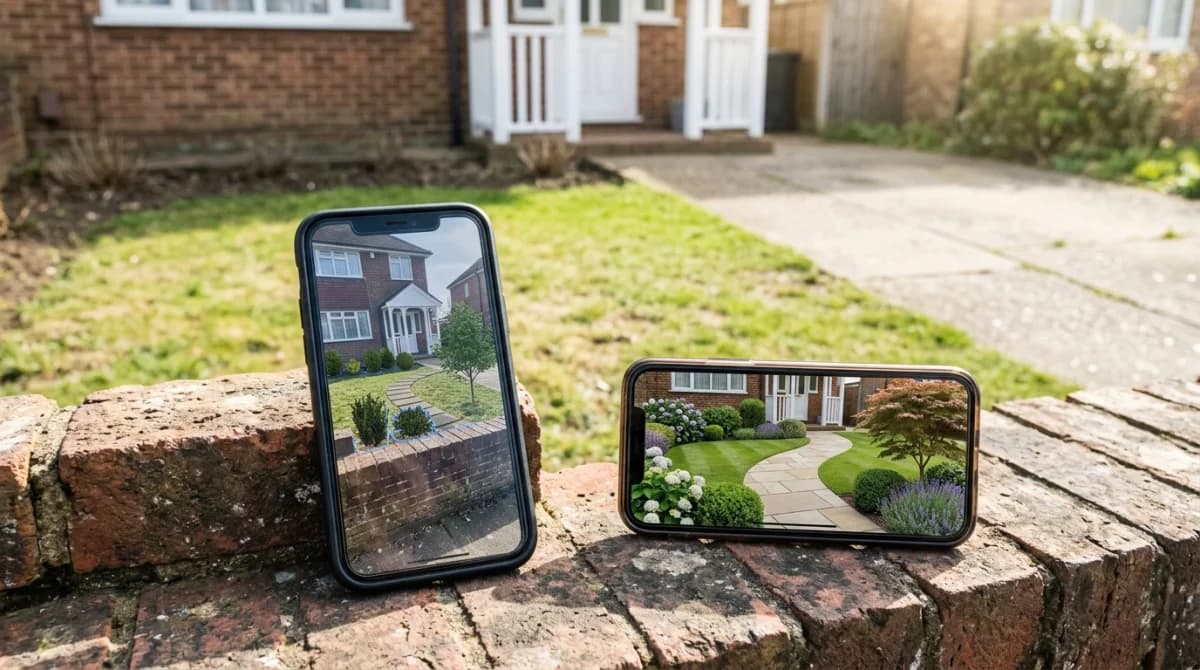
Gardenly automates the design step. The user provides a photo and selects a style, then the AI creates a redesigned version of the same space. The important part is that the image is not the only deliverable: it comes with climate-adapted plant names, quantities, shopping guidance and care information.
iScape is more hands-on. It helps users preview landscaping ideas on mobile, including AR-style placement and visual design tools. This is especially useful for landscape professionals or homeowners who want to arrange objects and present options manually.
The difference is control versus automation. iScape gives you more manual preview control. Gardenly gives you a faster AI-generated concept and plant specification.
Use Case 1: Homeowner Wants a Fast Redesign
Gardenly fits this better. The workflow is simpler: upload a photo, choose a style, get the redesign. You do not need to learn a design interface or manually place each element.
Use Case 2: Landscape Pro Needs AR Client Previews
iScape fits this better. Landscape pros have used iScape for years to show clients AR previews on site and to build proposal-style visuals. Gardenly’s iOS app puts the AI redesign on the same phone, but it has no AR mode and no proposal tooling.
Use Case 3: Plant Selection for Your Climate
Gardenly fits this better. Gardenly’s recommendations are adapted to hardiness zone, rainfall, sun exposure and regional growing conditions. That helps bridge the gap between a nice-looking concept and a garden that can actually be planted.
iScape can help visualize, but climate-adapted species selection is not the central output.
Use Case 4: Manual Layout Control
iScape fits this better. If you want to manually place plants, hardscape elements and objects exactly where you want them, iScape’s design workflow is closer to a traditional mobile landscape design app.
Gardenly is better when you want the AI to propose the layout for you.
Pricing
Gardenly: Starter is $4.50/mo annually or $9/mo monthly. Pro is $7/mo annually or $14/mo monthly. New purchases include a 7-day money-back guarantee.
iScape: iScape has free and paid options; check iScape’s current App Store or website pricing for current Pro rates and feature limits.
Frequently Asked Questions
Bottom Line
Pick iScape if AR previews and manual design control are your priority. Pick Gardenly if you want the fastest path from a real yard photo to a photorealistic AI design with climate-adapted plant recommendations.
For a broader ranking, see Best AI Garden Design Apps in 2026.