OutdoorBrite vs Neighborbrite
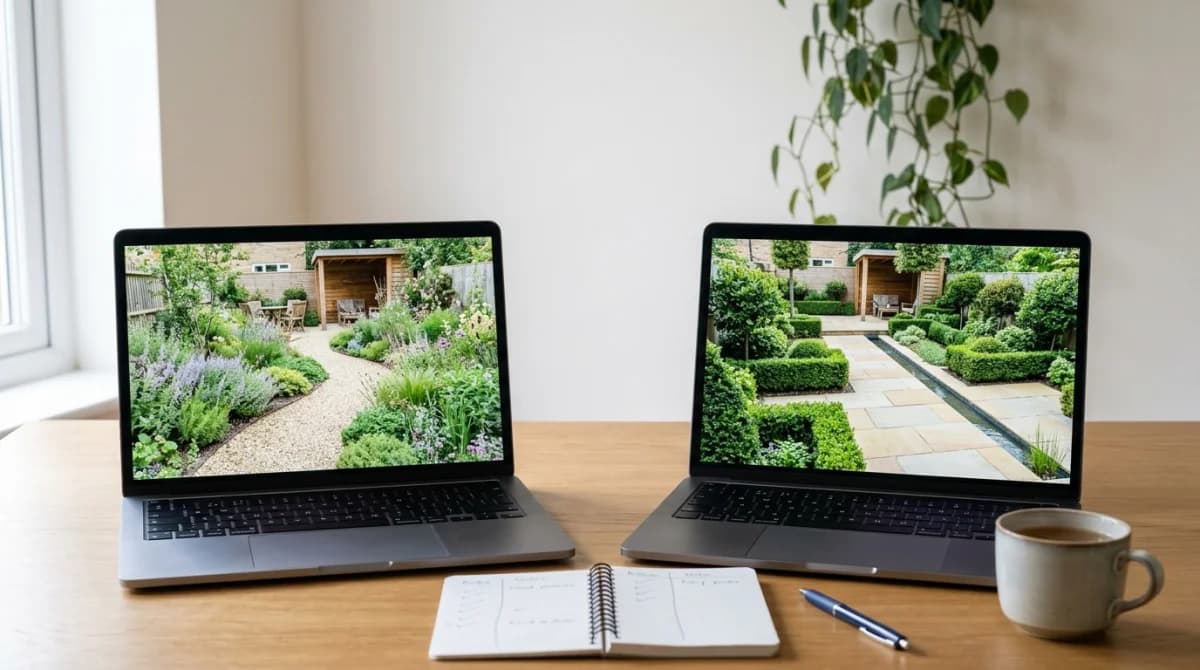
Neighborbrite wins on price and reach, because basic renders cost nothing and it ships iPhone, iPad and Android apps; OutdoorBrite wins on volume and finish, with 50+ published styles, 4K exports on its top tier and no free plan at all.
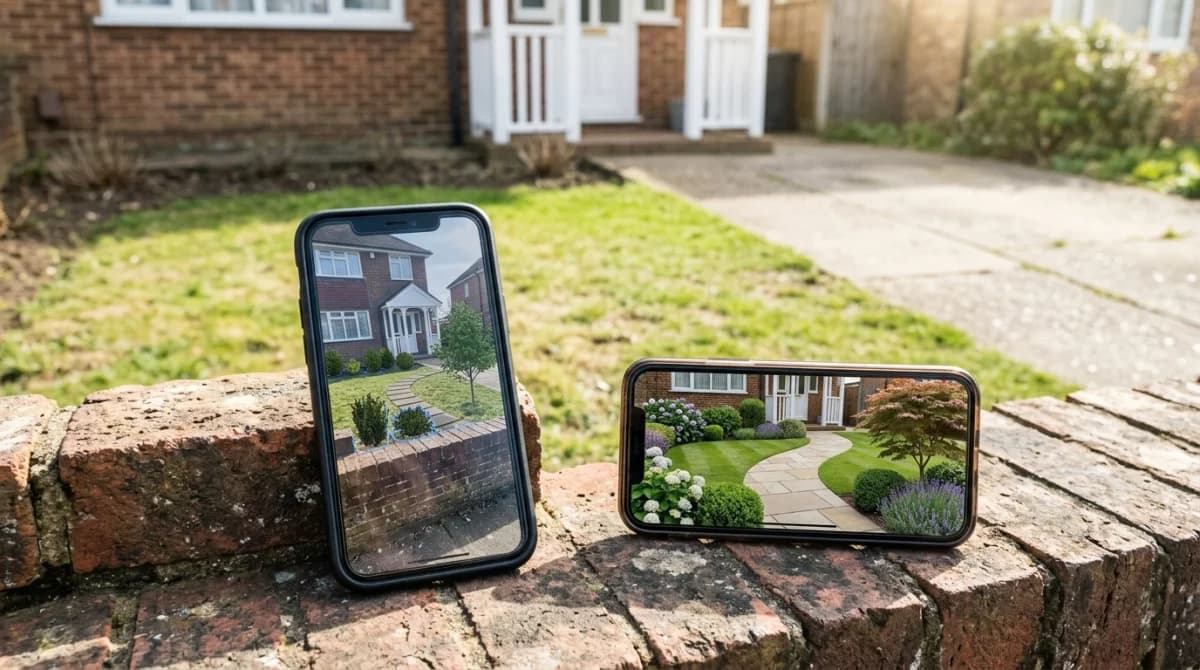
Both tools do the same core trick. You photograph your yard, pick a style, and an AI model repaints the photo as a finished landscape. The difference shows up in what you pay, what you can do with the result, and how much you get before a paywall appears.
Verified 14 August 2026. Prices and features taken from outdoorbrite.com/pricing, neighborbrite.com and the Neighborbrite App Store listing on that date. Both companies change plans often, so check before you subscribe.
The short comparison
| OutdoorBrite | Neighborbrite | |
|---|---|---|
| Entry price | $29/month, or $23 on the yearly plan | About $15/month for Pro on the web |
| Free tier | None | Yes, basic renders at no cost |
| Higher tiers | Plus $49, Pro $149 (yearly: $39 and $119) | iOS in-app tiers at $24.99, $49.99 and $149 |
| Platform | Browser on any device, nothing to install | Browser, plus iPhone, iPad and Android apps |
| Published style count | 50+ | Not published, described as dozens |
| Plant lists | Regional plant selection from the $49 Plus tier up | Climate and sun aware plant lists on Pro |
| Design volume | 25, 100 or 200 redesigns per month by tier | Unlimited basic renders, Pro unlocks the rest |
| Best for | Landscapers and agencies billing the work | Homeowners testing an idea for one yard |
Neighborbrite pricing, explained
Neighborbrite runs a freemium model. You upload a photo, pick a style such as Cottage, Modern or Desert, and generate a redesign without paying or handing over a card. That free access is the whole reason the tool has spread: the company reports more than 800,000 users, 20 million designs and reach across 170 countries.
Pro costs about $15 a month on the web. It unlocks the parts most people want after the first render: custom elements such as decks, pools and pergolas, Magic Edit for changing one part of a design without regenerating everything, and plant lists matched to your climate and sun exposure.
The mobile apps carry a different price, which trips people up. The App Store listing shows in-app purchases at $24.99 for Pro, $49.99 for Business and $149 for a Landscaper Suite. Subscribing on the web is the cheaper route to the same Pro features.
There is a third product that shares the name and confuses search results. Neighborbrite Pro Designs is a human service, not software: $287 for one area or $387 for a full yard, with a live consultation, a scaled 2D plan with measurements, a plant and material list, two revisions and a 30-day money-back guarantee. First draft lands in about a week. That is a different purchase from the $15 subscription.
Is Neighborbrite legit?
Yes. The signals check out on several fronts.
The company is Neighborbrite Inc., led by co-founder and CEO Luis Benavides, and it names OVO Fund, Launch Founder University and the Governor’s Office of Economic Opportunity as backers. The iOS app holds a 4.8 rating across 375 ratings at the time of writing, and the same app ships on Google Play. A shell operation does not maintain two native apps through store review cycles.
The fair criticism concerns expectations. Free renders are a marketing funnel, and the features you want after twenty minutes of playing (plant lists, custom structures, targeted edits) sit behind Pro. Output quality also swings with your input photo. Shoot in flat light from a corner of the yard and the model will hallucinate a fence line or melt a shed into a hedge. That happens with every photo-to-photo tool in this category, including OutdoorBrite.
OutdoorBrite pricing, explained
OutdoorBrite charges from the first render. Its own pricing page states there is no free tier and no trial, which is a real barrier if you want to see one result before committing. Our top 5 OutdoorBrite alternatives ranks the tools that let you look first.
Three plans, priced per month with about 20 percent off when you pay for a year:
- Starter, $29 ($23 on the yearly plan): 25 redesigns a month, standard AI engine, HD downloads, saved projects.
- Plus, $49 ($39 yearly): 100 redesigns, premium engine, 2K output, regional plant selection, commercial usage rights, community gallery.
- Pro, $149 ($119 yearly): 200 redesigns, 4K output, team collaboration, client-ready exports, agency rights, priority support.
Top-up credits stack and do not expire. Plans run month to month and you keep access through the period you paid for.
The commercial licence is the part worth reading twice. Commercial usage arrives at Plus, agency rights at Pro. If you are a landscaper putting renders in a client proposal, that licensing is the product you are buying, and Neighborbrite’s consumer Pro tier does not offer an equivalent on the web.
Strengths and weaknesses, side by side
Advantages
- OutdoorBrite: 50+ published styles, the largest catalogue of the two
- OutdoorBrite: 2K and 4K exports for print and client proposals
- OutdoorBrite: explicit commercial and agency licensing on paid tiers
- OutdoorBrite: browser-based, so it works on a laptop, tablet or phone with nothing to install
Drawbacks
- OutdoorBrite: no free tier and no trial, so you pay before seeing your first result
- OutdoorBrite: $29 entry price is double Neighborbrite Pro
- OutdoorBrite: credit caps of 25 a month on Starter run out fast when you iterate
- OutdoorBrite: no native mobile app, which matters if you design while standing in the yard
Advantages
- Neighborbrite: basic renders cost nothing, no card required
- Neighborbrite: Pro at about $15 a month undercuts every OutdoorBrite tier
- Neighborbrite: native iPhone, iPad and Android apps with a 4.8 App Store rating
- Neighborbrite: Plant Finder identifies what is already growing in your photo
- Neighborbrite: a human design service at $287 if AI output is not enough
Drawbacks
- Neighborbrite: no published style count, so you cannot compare catalogue size before signing up
- Neighborbrite: plant lists, Magic Edit and custom structures all sit behind Pro
- Neighborbrite: in-app prices are higher than web prices for the same tier
- Neighborbrite: no clear commercial licence for consumer Pro subscribers
Feature comparison
| Feature | OutdoorBrite | Neighborbrite |
|---|---|---|
| Free renders without a card | No | Yes |
| Native mobile apps | No | Yes |
| Published style count | Yes | No |
| Climate-aware plant lists | Plus tier | Pro only |
| Targeted edits to one area | Yes | Pro only |
| 4K export | Pro tier | No |
| Commercial licence on paid tiers | Yes | Partial |
| Human designer service | No | Yes |
| Unlimited generations | No | Basic only |
Picking a winner, by use case
One yard, one project, no budget
Neighborbrite. Free renders remove the decision. Generate a dozen versions of your back garden, pick a direction, and pay the $15 for one month if you want the plant list and the deck. Cancel after. OutdoorBrite asks $29 before showing you anything.
A landscaper billing clients
OutdoorBrite. Commercial usage on Plus, agency rights and client-ready exports on Pro, and 4K files that survive being printed at A3. Neighborbrite’s $149 Landscaper Suite competes here, but the licensing terms on OutdoorBrite’s paid tiers are the clearer ones to point a client at.
Designing while walking around the garden
Neighborbrite. Native apps on iPhone, iPad and Android beat a browser tab for shooting a photo and re-shooting it when the first angle fails. OutdoorBrite runs in mobile Safari and Chrome, which works, but the camera round trip is clumsier. For AR on top of native apps, the top 5 DreamzAR alternatives roundup covers that corner of the market.
Exploring many aesthetics before committing
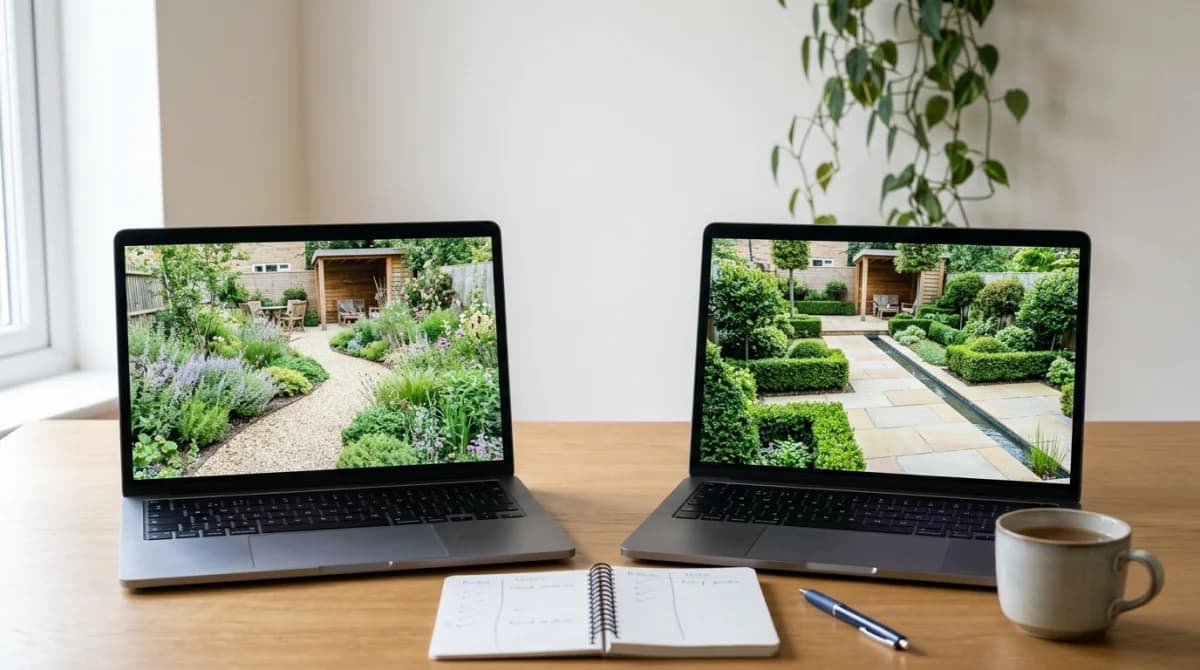
OutdoorBrite. 50+ published styles gives you more directions to try, and 100 renders a month on Plus is enough to work through them. Neighborbrite does not publish a count, so you are buying blind on variety.
You want a plan you can hand to a contractor
Neither, at these prices. Both tools produce a repainted photo, not a scaled drawing. Neighborbrite’s own $287 human service exists because of that gap. Read our ranking of garden design apps if you need measurements and a materials list rather than a picture.
A third option worth knowing about
If neither price point fits, Gardenly sits below both: $4.50 a month on the yearly plan, $9 month to month, with climate-matched plant recommendations and planting guides included rather than gated behind a higher tier. The honest limitation is that Gardenly has no free render tier, so Neighborbrite still wins if paying nothing is the point. We break the differences down in Gardenly vs Neighborbrite and in our Neighborbrite alternatives roundup. Full plan details sit on the pricing page.
The verdict
Neighborbrite is the better starting point for anyone with one garden and no budget, and the better tool if you design from a phone. OutdoorBrite earns its higher price from professionals who need volume, resolution and a licence to sell the output, and it loses to Neighborbrite on the question most first-time users ask, which is whether they can try it before paying.
Pick by wallet and licence, not by render quality. Both models produce comparable images from a good photo, and both produce nonsense from a bad one.
Sources